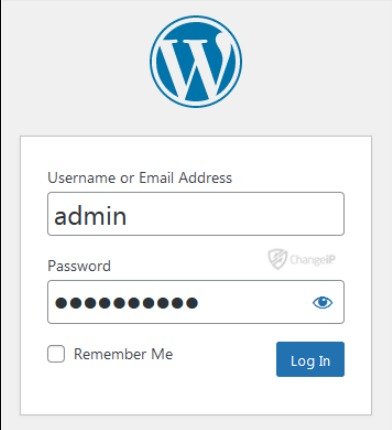
Cannot Access wp-admin
Introduction:
Access to the WordPress administration panel (wp-admin) is essential for managing any website. When this access is disrupted, it can prevent administrators from making updates, managing content, or resolving issues. Errors related to wp-admin access are often linked to configuration problems, cookies, or plugin conflicts, making it important to understand how to diagnose and fix them efficiently.
Error Name:
Cannot Access wp-admin
Description:
This error prevents users from accessing the WordPress administration panel. It may result in login loops, redirection issues, or access denial messages.
Causes:
– Corrupted or expired browser cookies
– Incorrect WordPress URL settings
– Plugin conflicts affecting login functionality
– Misconfigured site settings
Solution:
1. Clear browser cookies and cache.
2. Attempt to log in again.
3. If the issue persists, access the wp-config.php file.
4. Add or verify the following lines:
define(‘WP_HOME’,’http://yoursite.com’);
define(‘WP_SITEURL’,’http://yoursite.com’);
5. Disable all plugins by renaming the plugins folder.
6. Try accessing wp-admin again.
Implementation:
The site URL was intentionally modified to create a login error. After that, the correct URL values were restored in the wp-config.php file, which allowed access to the admin panel again.
What I Learned:
Through this exercise, I learned that access issues to wp-admin can be caused by multiple factors, such as incorrect URL configurations, corrupted browser cookies, or plugin conflicts. I understood that even a small misconfiguration in the site URL can lead to login loops or completely block access to the admin panel.
I also gained practical experience in troubleshooting by clearing browser data, modifying the wp-config.php file, and disabling plugins manually. These steps helped me see how different components—both on the client side (browser) and server side—can affect access to the system.
Additionally, I learned the importance of correctly defining the WordPress site URL (WP_HOME and WP_SITEURL) to ensure proper redirection and login functionality.
Finally, by intentionally causing and then fixing the error, I improved my ability to diagnose access-related issues and gained a deeper understanding of how WordPress handles authentication and configuration settings.