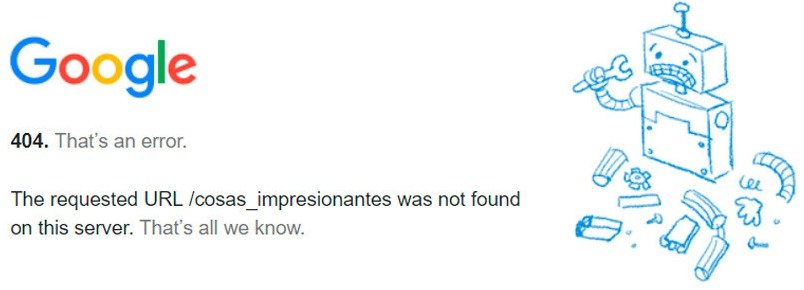
404 Error
Introduction:
In WordPress, proper URL structure is essential for accessing pages correctly. When permalink settings or server configurations fail, users may encounter “404 Not Found” errors even when the content actually exists. Understanding how WordPress handles URLs and rewrite rules is key to resolving this common issue.
Error Name:
404 Error on Pages
Description:
This error occurs when existing pages return a “404 Not Found” message. It is commonly related to issues with WordPress permalink settings.
Causes:
– Incorrect permalink configuration
– Corrupted or missing .htaccess file
– Server rewrite rules not working properly
Solution:
1. Log in to the WordPress admin panel.
2. Go to Settings → Permalinks.
3. Without making any changes, click the “Save Changes” button.
4. This will regenerate the .htaccess file automatically.
5. Reload the affected pages to confirm the fix.
Implementation:
Permalink settings were altered to intentionally break the links, causing 404 errors. Then, the settings were saved again from the admin panel, which regenerated the configuration and fixed the issue.
What I Learned:
Through this exercise, I learned that 404 errors on existing pages are often not caused by missing content, but by incorrect permalink configurations or issues with the .htaccess file. I understood how WordPress relies on rewrite rules to correctly map URLs to content.
I also gained practical experience in solving this problem by simply re-saving the permalink settings in the admin panel, which automatically regenerates the .htaccess file and restores proper functionality.
Additionally, I learned that server configuration plays an important role, and if rewrite rules are not working correctly, it can lead to persistent errors even if the site content is intact.
Finally, by intentionally breaking and then fixing the permalinks, I strengthened my understanding of how WordPress URL structures work and improved my troubleshooting skills for resolving navigation-related issues.


Proudly powered by WordPress