“Maintenance Mode”
Introduction:
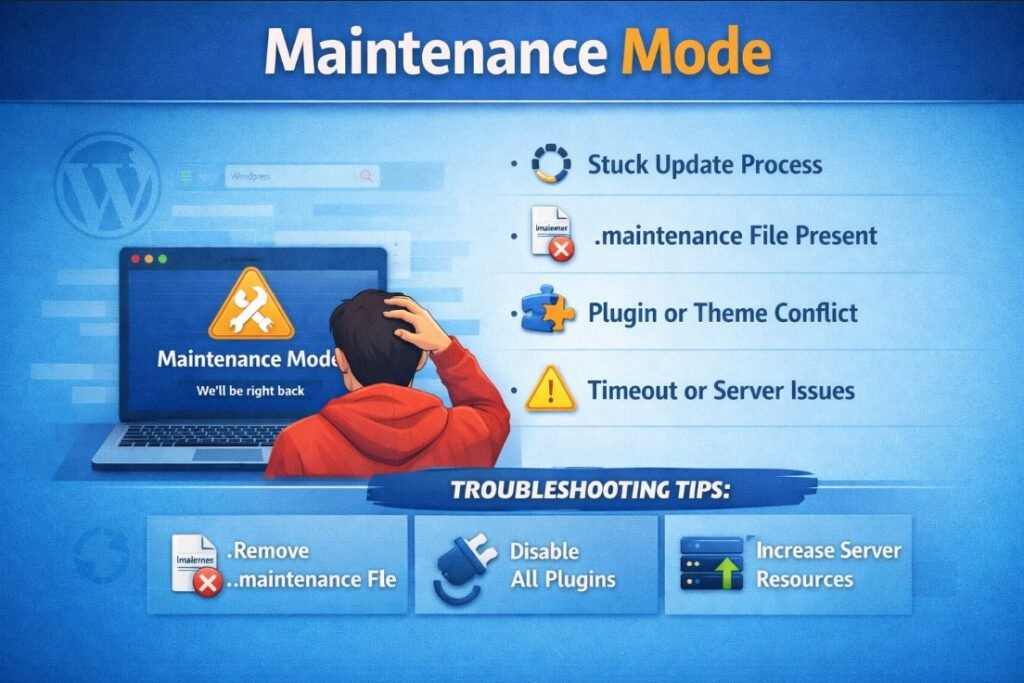
WordPress automatically enters maintenance mode when updates are being performed to ensure system stability. However, if an update process is interrupted, the site can remain stuck in this mode, making it inaccessible to users. Understanding how this mechanism works is important to quickly restore the website when issues occur.
Error Name:
Stuck in Maintenance Mode
Description:
This error occurs when WordPress gets stuck in maintenance mode after a failed or interrupted update, making the site inaccessible.
Causes:
– Interrupted update process
– Server timeout during updates
– .maintenance file not automatically removed
Solution:
1. Access the root directory of the WordPress installation using FTP or File Manager.
2. Locate the file named .maintenance.
3. Delete the .maintenance file.
4. Refresh the website.
5. Confirm that the site is accessible again.
Implementation:
An update process was intentionally interrupted to simulate the error. The .maintenance file was then manually deleted, restoring full access to the website.

Proudly powered by WordPress