
By the end of this project, I was able to analyze and understand several common WordPress errors. These included database connection issues, plugin conflicts, memory limit errors, admin access problems, and layout issues.
The final result is a comprehensive understanding of how these errors can be identified and properly solved. This demonstrates a significant improvement in my technical and troubleshooting skills.
Additionally, each solution was documented, providing clear evidence of the work completed and the learning process.
🔴 Error 1: Error Establishing a Database Connection


- Database error screen
- wp-config.php credentials fixed
- Website working again
🔴 Error 2: White Screen of Death


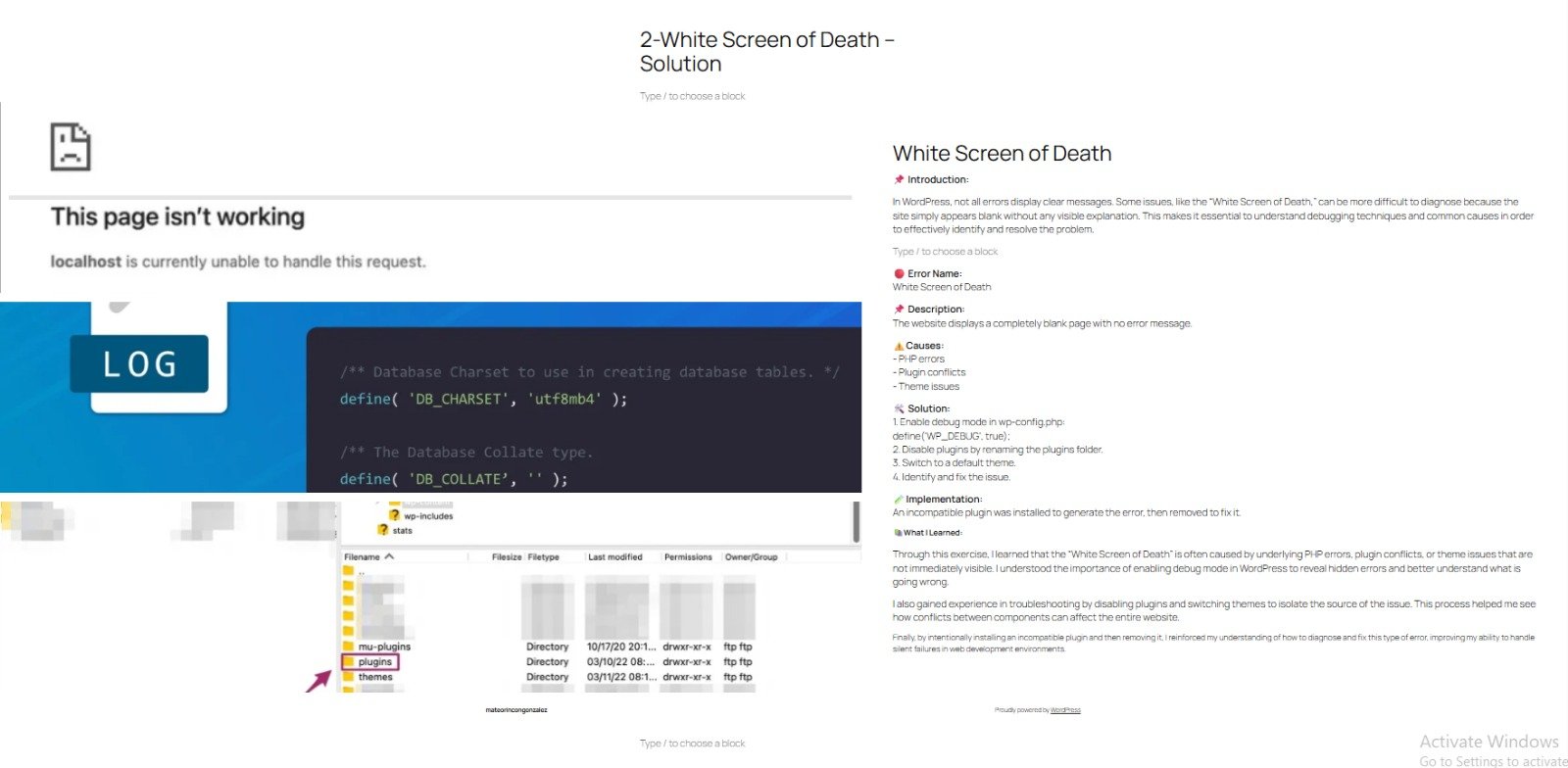
- Blank page (white screen)
- Debug mode enabled
- Website restored
🔴 Error 3: Plugin Conflict Error
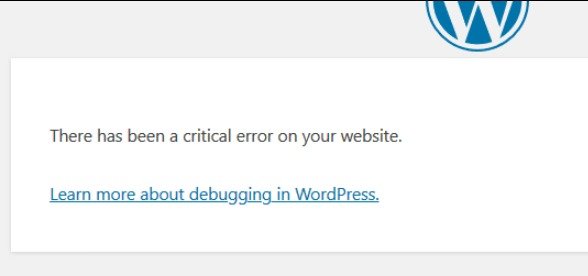
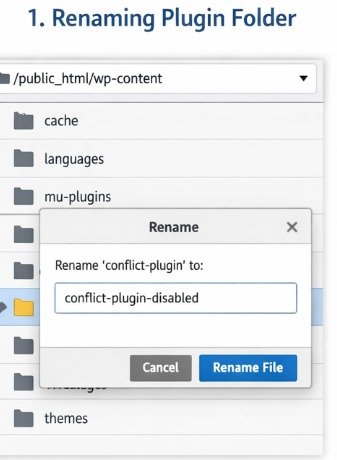


- Site error or crash
- Plugins folder renamed / plugins disabled
- Plugins working correctly
🔴 Error 4: Allowed Memory Size Exhausted


- Memory error message
- WP_MEMORY_LIMIT added in wp-config.php
🔴 Error 5: Cannot Access wp-admin


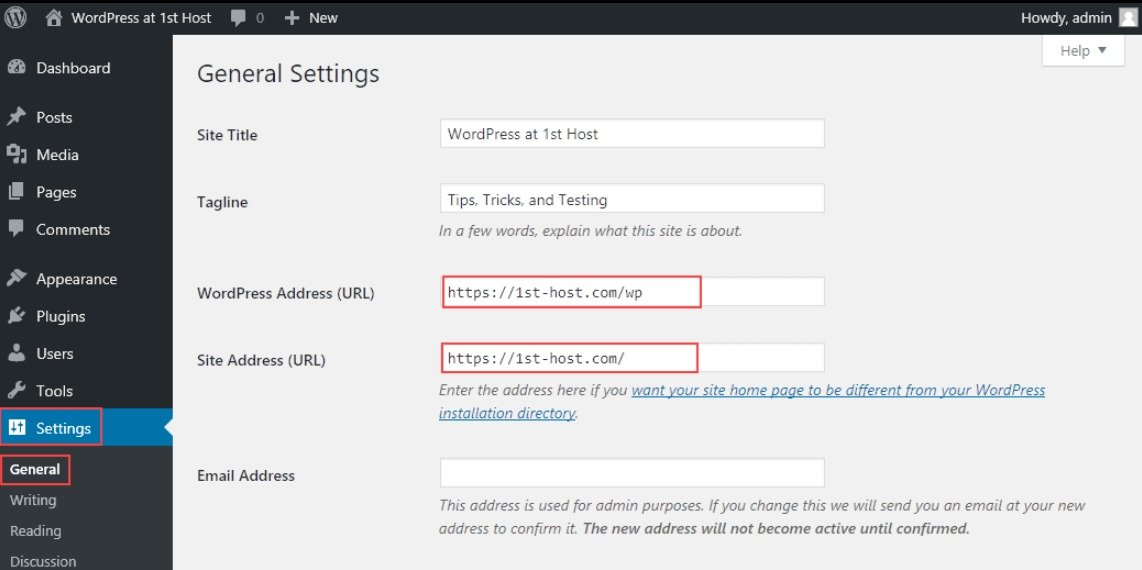
- Login error or redirect issue
- WP_HOME and WP_SITEURL configuration
- Admin panel accessible
🔴 Error 6: 404 Error on Pages
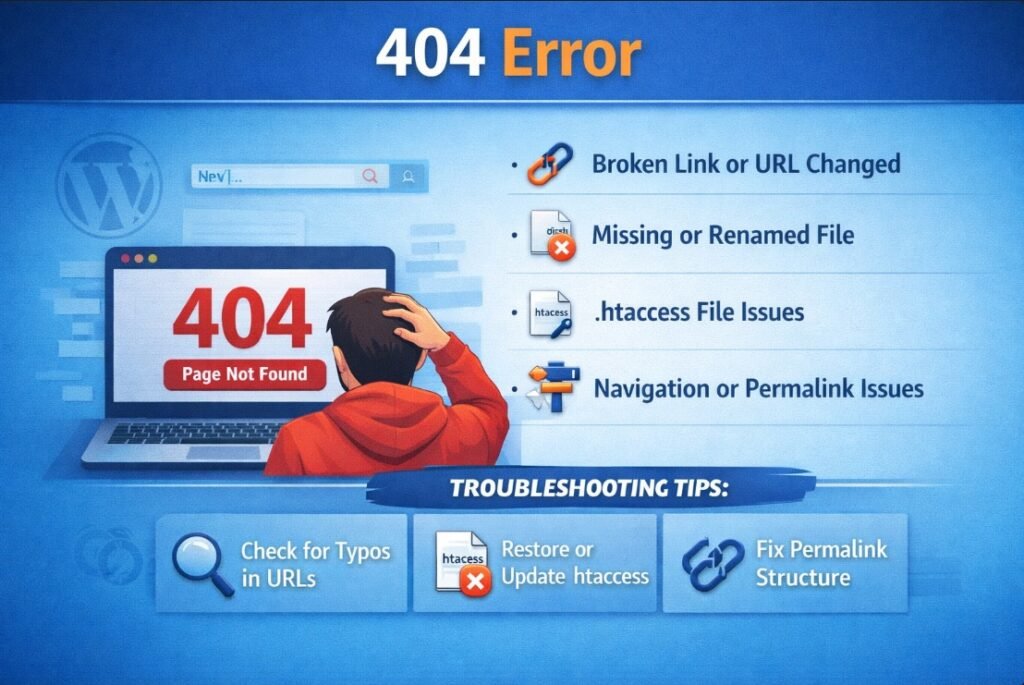

- 404 error page
- Permalink settings screen
- Page loading correctly
🔴 Error 7: Stuck in Maintenance Mode


- Maintenance mode message
- .maintenance file in file manager
- Website restored
🔴 Error 8: Broken CSS / Layout Issue


- Broken layout (no styles)
- CSS file or path issue
- Design restored
No responses yet